
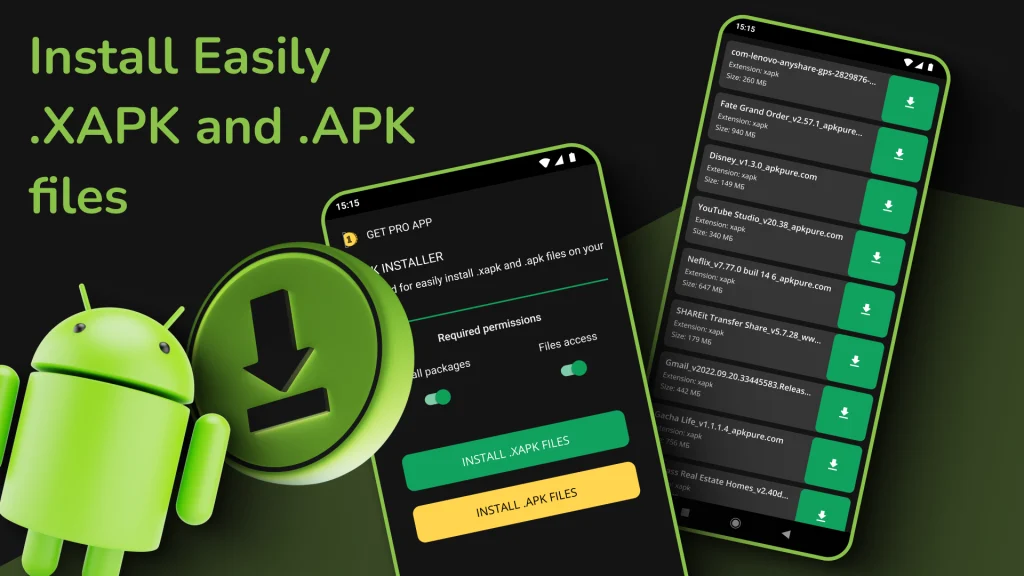
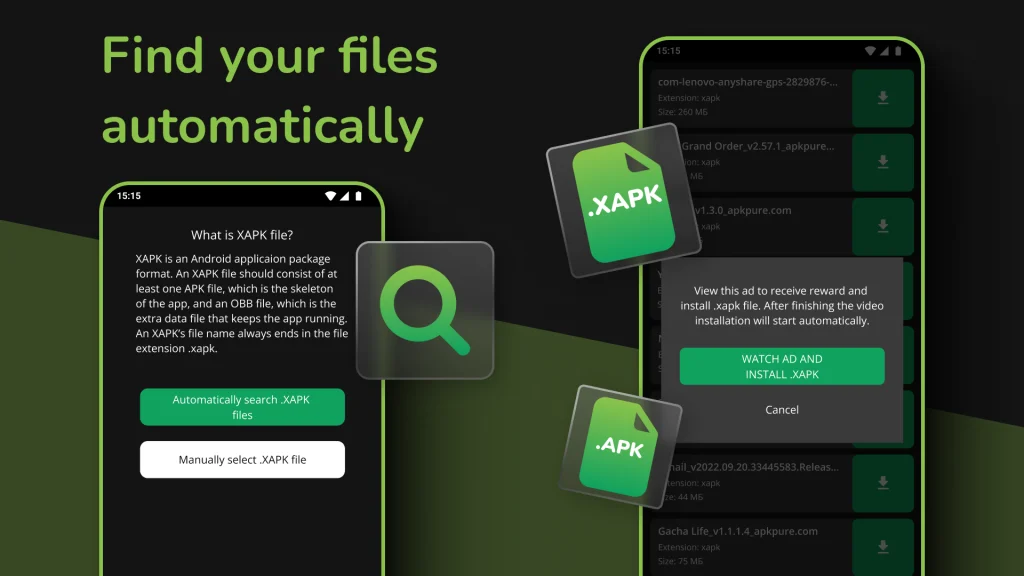
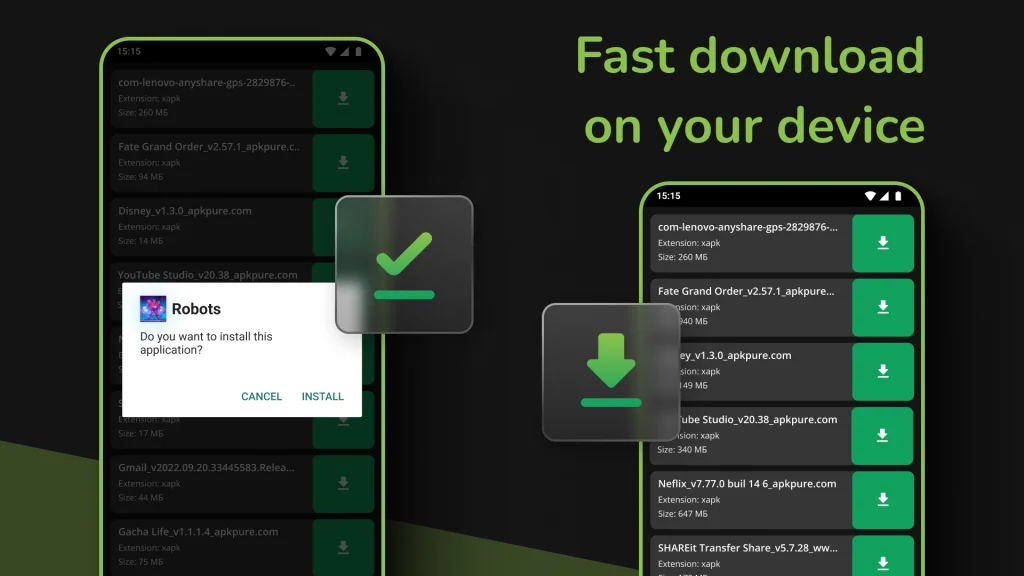
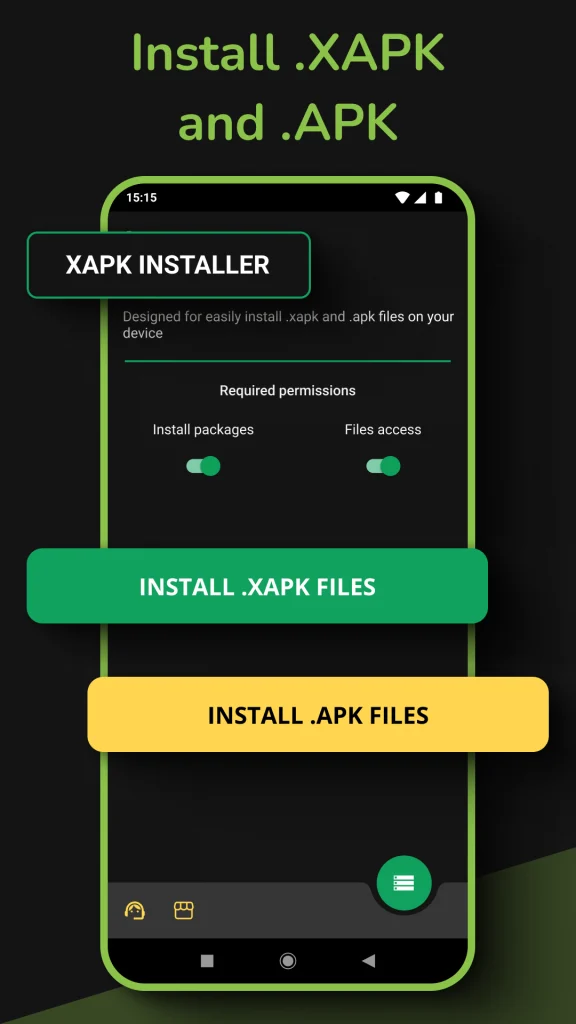
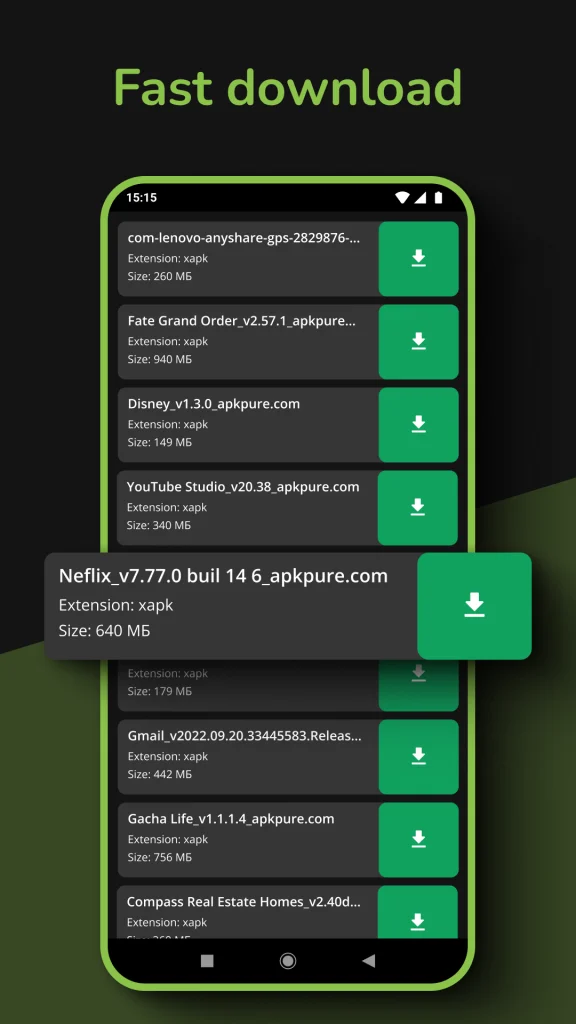
You may find an Android game or app online, download it to your phone and then discover that tapping the file does nothing useful. The file might end in .xapk rather than the familiar .apk extension. This can be confusing, especially if you are trying to install an app that is not available through your usual app store. An XAPK Installer Mod APK helps address this problem by handling Android app packages that contain additional installation files.
Instead of treating the download like a standard APK, it helps identify the package contents and prepare the application for installation. Understanding how these files work, where they come from and what to check before opening them can save time and reduce security risks.
Why Some Android Apps Come as XAPK Files
An APK contains the components needed to install an Android application. However, larger games and feature-rich apps may require extra resources, such as graphics, audio files or other data that should not be treated as part of a basic APK installation.
An XAPK package commonly groups an APK with additional resources or related installation files. Depending on the package, it may contain an OBB data folder or other components needed by the application. The exact contents can vary, so the file extension alone does not guarantee that every XAPK has the same structure.
Imagine downloading a game with detailed environments, high-resolution textures and extensive sound effects. Installing its APK alone may not provide everything the game expects. A compatible installer can help manage the package and its associated files, although it cannot guarantee that every downloaded package will work on every device.
What an XAPK Installer App Can Do
An XAPK Installer App is designed to simplify the installation of supported Android package formats. Depending on the specific tool, its features may include detecting downloaded XAPK files, identifying included APK components and assisting with the installation process.
Some installers can also help manage associated OBB files or handle split APK packages. These formats are related but not identical. Split APKs divide an application into multiple APK components, while OBB files generally hold additional application data. Support for each format depends on the installer being used.
A dedicated installer can be useful when a file manager or Android’s built-in package installer cannot open a downloaded package directly. However, it does not bypass Android’s compatibility requirements, application permissions or security protections. If the package is damaged, incompatible or missing required components, the installation may still fail.
How to Install an XAPK File on Android
The process depends on your Android version, the package structure and the installer you choose. Before starting, make sure the file comes from a source you trust and that your phone has enough available storage for both installation and the application’s additional data.
1. Check the downloaded file
Locate the XAPK file in your Downloads folder or the directory used by your browser. Check its filename, file size and source. If the download stopped unexpectedly or the file appears incomplete, download it again from the original trusted source rather than trying repeated installations.
2. Choose a compatible installer
Use an established installer that explicitly supports the package format you have. Review its publisher, requested permissions and reputation before installing it. An installer should not need unrelated access to contacts, messages or other sensitive information simply to handle an application package.
3. Allow installation when required
Android may ask you to permit installations from the browser, file manager or installer you are using. On supported devices, this setting is usually managed under the system’s app-specific special access or unknown-app installation settings. The exact menu names vary by Android version and manufacturer.
Grant this permission only to the source you intend to use. It is not necessary to enable unknown-app installation for every application on your phone.
4. Open the package and follow the prompts
Launch the compatible installer, locate the downloaded file and start the installation. Follow the instructions displayed by Android. If the package includes additional resources, the installer may handle them automatically when supported.
Once installation finishes, open the application and check that it loads correctly. Some games may need an internet connection or additional downloads before they are ready to use.
5. Review permissions after installation
Check the application’s permissions before granting access to sensitive features. A game that requests camera access may have a legitimate reason in some circumstances, but a request for unrelated personal data deserves closer inspection. Remove the app if its behavior or permissions do not match its stated purpose.
XAPK Installer Mod APK vs. Standard APK Installation
A standard APK can often be installed directly through Android after the appropriate permission is granted. An XAPK package may need an additional tool because it can contain multiple components or extra resources that the normal package installer does not handle as a single file.
The distinction matters most when an application depends on bundled data or uses a package structure that requires additional handling. If the developer provides a normal APK that includes everything necessary, a separate XAPK installer may be unnecessary.
There is also a practical limitation: not every installer supports every Android package format. A tool that handles basic XAPK files may not support all split-package arrangements. Before downloading another utility, check whether the application publisher provides a different compatible package or an official installation method.
Common XAPK Installation Problems and Their Fixes
Installation errors can have several causes, so the right solution depends on the message displayed by Android.
- App not installed: Check whether an incompatible version is already installed, whether the downloaded package is complete and whether the app supports your device.
- Missing OBB or data files: Confirm that the package includes the required resources and that the installer supports their placement. Avoid moving application data into system folders without reliable instructions for your specific device.
- Parse error: The file may be corrupted, incorrectly packaged or incompatible with your Android version. Obtain a fresh copy from a trusted source.
- Insufficient storage: Free up space before retrying. Large games may need considerably more room during installation than the downloaded file occupies.
- Installation blocked: Review the relevant Android security warning and permission settings. Do not disable device protections simply to force an unfamiliar package to install.
If none of these steps works, check the app’s minimum Android version, processor compatibility and official installation instructions. Repeatedly installing different utilities is unlikely to solve a package that is fundamentally incompatible with your phone.
Is an XAPK Installer App Safe to Use?
The installer and the package it handles present two separate security considerations. A reputable installer can simplify installation, but it cannot automatically make an untrusted application safe. A malicious app may still contain harmful code or request excessive permissions.
Whenever possible, download applications from Google Play or the developer’s official website. If you need an external package, verify the publisher and avoid links from unfamiliar pop-ups, misleading download buttons or unsolicited messages. Keep Google Play Protect and other available Android security protections enabled.
Be cautious with modified games, cracked applications and packages that promise paid features for free. Such files may have been altered in ways that are difficult to detect before installation. If Android or your security software flags a file, do not ignore the warning merely because an installer claims the package is supported. You can also download 9 MOD APK.
When Should You Use an XAPK Installer?
An XAPK Installer APK is useful when you have a legitimate Android package that cannot be installed through the normal APK process and the chosen tool supports its structure. It can reduce manual work with bundled components and make externally downloaded applications easier to manage.
If your app is available through an official store, that route is generally simpler because updates, compatibility checks and package delivery are handled through the store’s installation process. For an externally supplied XAPK, confirm the source, device compatibility and required components before proceeding.
The best next step is to identify the exact file you downloaded and the Android version running on your phone. With those details, you can determine whether a dedicated installer is necessary or whether a safer, simpler installation option is available.


